
How Accounting Software Can Reduce Paperwork and Save Time Before BAS and Tax Time
Many business owners still think accounting software is mainly something their accountant uses at the end of the quarter or financial year.
In reality, cloud accounting software such as Xero, MYOB or QuickBooks can help much earlier. When it is set up correctly and used consistently, it can reduce repetitive data entry, organise supporting documents and give you a clearer view of money coming into and going out of the business.
The real benefit is not simply storing figures online. It is having current information available when you need to make a business decision, not trying to reconstruct months of activity just before BAS or tax time.
The everyday questions business owners need answered
Business owners do not usually open accounting software because they want to study rows of transactions. They want quick answers to practical questions.
“How much have we spent on materials?”
You may be quoting a new job and want to know what similar materials have recently cost. If supplier bills are entered consistently, the software can provide a clearer view of material expenses without searching through emails, receipts and bank statements.
When projects or tracking categories are properly configured and used, you may also be able to review costs for a particular job or part of the business.
“How much did wages cost this month?”
Individual payments in the bank account may not provide a clear picture of monthly wage costs. When payroll information is processed accurately through the appropriate system, reports can bring together figures such as gross wages and associated superannuation amounts.
The software can produce the report, but it's only useful if the underlying employee details, pay items, and transactions are maintained correctly.
“Where has all the money gone?”
Strong sales do not always mean there will be plenty of cash left in the bank. Materials, subcontractors, wages, rent, software subscriptions and other expenses can quickly absorb incoming funds.
Current bookkeeping records allow expense reports to show where the business is spending money and help identify growing costs or duplicated subscriptions.
“Who still owes us money?”
When customer invoices and receipts are recorded regularly, an accounts receivable report can show which invoices remain unpaid and how long they have been outstanding. This provides a practical follow-up list without checking emails and bank deposits one by one.
“What bills are coming up?”
The bank balance does not tell the full story because some of that money may already be needed for supplier bills and other commitments. Entering bills when they arrive makes upcoming payments easier to see and helps reduce the chance of an invoice being forgotten.
“Can I find the invoice for that payment?”
When invoices and receipts are attached to their accounting records, the document can often be opened directly from the transaction. This can save time when the business owner, bookkeeper, accountant or registered BAS agent needs to check it later.
Cloud software can turn bookkeeping data into useful business information, but only when that data is accurate and current.
What creates the BAS and tax-time rush?
The pressure usually begins with small tasks being postponed:
Receipts remain in wallets, vehicles or email inboxes.
Supplier bills are stored in different places.
Bank transactions are not identified while they are still fresh in your mind.
Reconciliations are left until the end of the quarter.
Missing documents must be located weeks or months later.
By the end of the reporting period, the business owner, bookkeeper or accountant may need to sort through a large backlog before the records can be reviewed.
Cloud accounting software helps move these tasks into a simpler, ongoing process.
Bank feeds reduce repeated data entry
A bank feed securely imports transactions from a connected business bank account into the accounting file. Instead of typing every deposit and payment from a statement, the transactions are available to review and reconcile.
The software may suggest matches using information already in the file. Rules can also help with regular transactions such as bank fees or subscriptions.
However, an imported transaction is not automatically a correctly recorded transaction. Someone still needs to confirm what it relates to, whether it is a business expense, which account it belongs to and whether a supporting document is available.
The software reduces retyping. It does not remove the need for accurate review.
Bills and receipts can be captured as they arrive
Depending on the platform and subscription, accounting software may allow you to:
Photograph a receipt using a mobile device
Upload a PDF invoice
Forward a supplier bill to a dedicated email address
Extract details such as the supplier, date and amount
Review the information before creating the transaction
Attach the original document to the accounting record
This is more efficient than keeping a box of receipts and trying to identify everything at the end of the quarter. It also creates a clearer record because the document, transaction and eventual payment can remain connected.
A practical example: supplier bill
With a manual process, an emailed supplier invoice may need to be downloaded, filed, entered into a spreadsheet or accounting system, located again when it is paid and then matched to the bank statement.
With a cloud workflow, the invoice can be forwarded or uploaded, the available information extracted, reviewed and approved, and the original document attached. When the payment appears in the bank feed, it can be matched to the existing bill.
Human review is still required, but repeated entry and searching are reduced.
Regular reconciliation makes problems easier to find
Bank reconciliation checks that the transactions in the accounting system agree with the activity in the bank account.
When completed regularly, it becomes easier to find duplicate entries, missing transactions, incorrect allocations, unexplained payments and interruptions to bank feeds. It is also easier to answer a question about a transaction from last week than one from three months ago.
This turns reconciliation into a regular check instead of a large clean-up before each reporting deadline.
How much time could the software save?
There is no single answer because every business has a different number of transactions, documents and bank accounts.
A simple estimate is:
Transactions per month × minutes saved per transaction × 12 ÷ 60
For example, if a business processes 200 transactions each month and a better workflow saves an average of just one minute per transaction:
200 × 1 minute × 12 months ÷ 60 = approximately 40 hours per year
This is an illustration, not a guaranteed saving. It also does not include time saved finding documents, avoiding duplicate work, identifying missing information earlier or shortening quarter-end and year-end clean-ups.
A simple routine to prevent the backlog
Cloud accounting software works best when it supports a regular routine.
As documents arrive
Photograph or upload receipts.
Forward supplier invoices to the accounting system.
Keep business purchases separate from personal spending.
Each week
Review imported bank transactions.
Match payments to invoices and bills.
Follow up unclear transactions while they are recent.
Each month
Complete bank and credit-card reconciliations.
Review unpaid customer invoices and supplier bills.
Check for missing or duplicated transactions.
Investigate unusual movements in key reports.
Before BAS or tax time
Confirm the bookkeeping period is complete.
Locate any remaining supporting documents.
Resolve outstanding questions.
Provide the records to the business's accountant or registered BAS agent for any required review, advice or lodgement.
Instead of processing months of information at once, the final step becomes a review of records maintained throughout the period.
Good software still needs good bookkeeping
Automation works best when the accounting file is set up correctly and maintained consistently. Bank accounts, the chart of accounts, supplier records, document processes, recurring transactions and bank rules should reflect how the business operates. The business owner provides complete information about each transaction, while the accountant or registered BAS agent confirms any accounting or GST treatment requiring professional advice or interpretation.
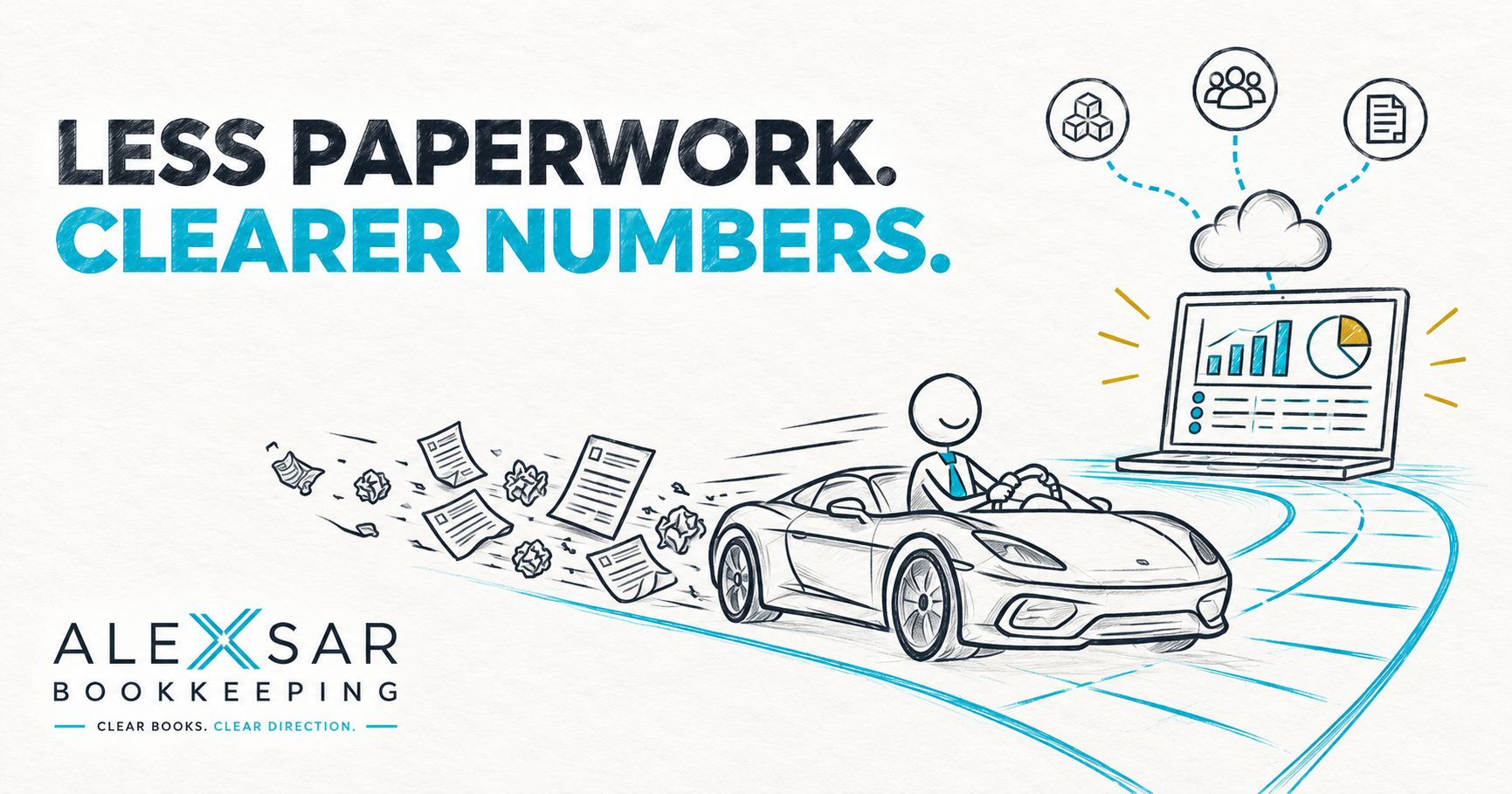
Think of cloud accounting software like a high-performance sports car, with good bookkeeping as the road beneath it. The vehicle may be fast and packed with useful technology, but it still needs a capable driver and a well-maintained road to reach its destination safely and efficiently.
In the same way, bank feeds, document capture and matching suggestions can make bookkeeping faster. But if records are inconsistent, rules are poorly configured, or transactions are not reviewed, the software can simply repeat mistakes more efficiently.
The best results come from combining useful software with accurate bookkeeping, regular reconciliation, and appropriate professional input when advice is required.
Is your accounting software actually saving you time?
If your business uses accounting software but still faces a large backlog before every reporting period, the platform itself may not be the problem. Your file may need a clean-up, your workflow may need improvement, or the available automation may not be configured effectively. If your software is creating more work than it saves, contact Alexsar Bookkeeping to discuss practical bookkeeping support tailored to your business.
Alexsar Bookkeeping supports small and medium-sized businesses with ongoing bookkeeping, bank and credit-card reconciliations, accounts payable and receivable, bookkeeping clean-ups and Xero, MYOB and QuickBooks support.
Alexsar Bookkeeping is based and operates in Rouse Hill, North West Sydney, with cloud-based support available across Australia.
Clear Books. Clear Direction.
